


Microsoft has been pushing AI hard into the workplace. Maybe too hard.
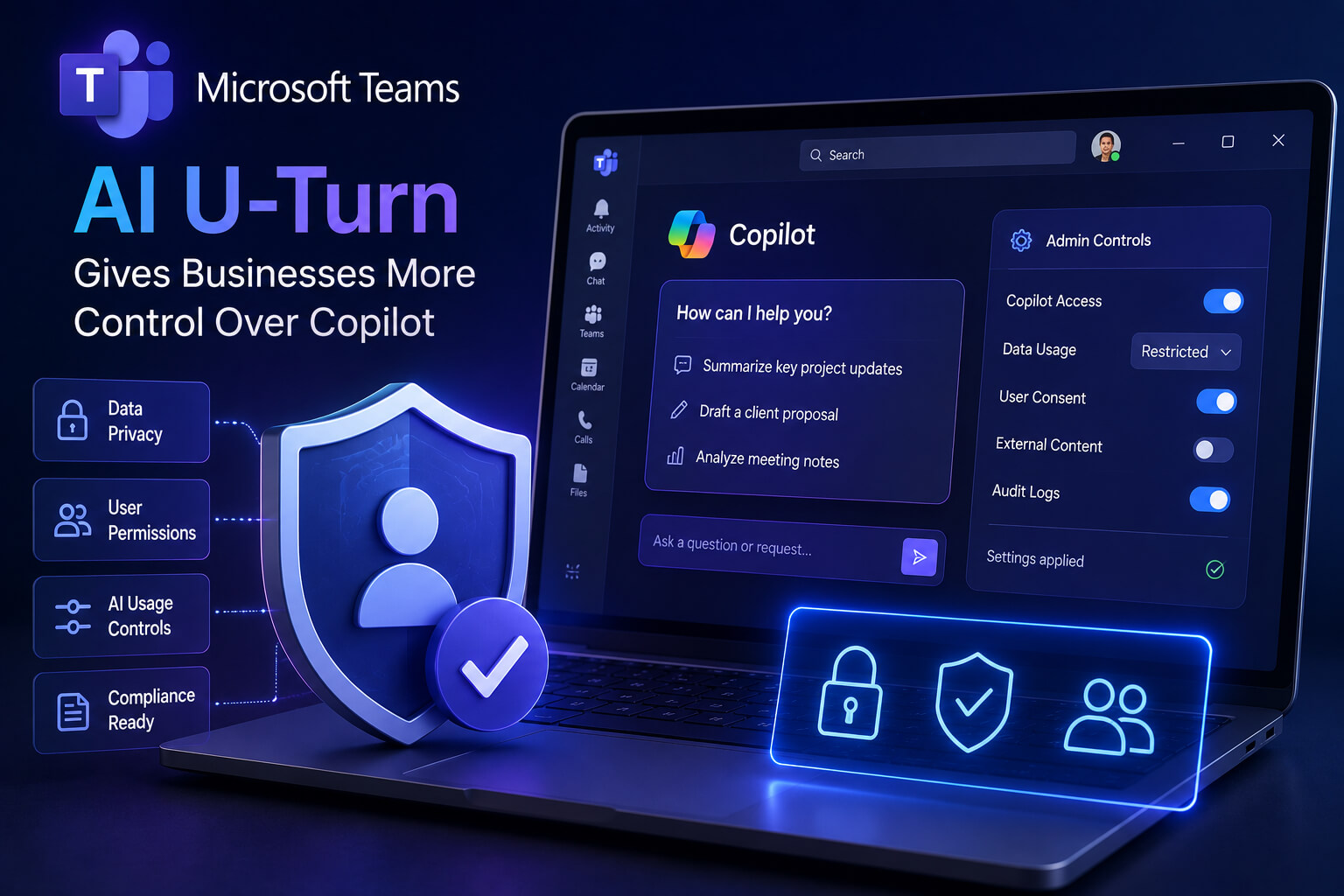
The company is now giving Microsoft Teams users more control over its AI meeting tools, including Copilot, Facilitator, and Intelligent Recap. The change means licensed meeting organizers and presenters will be able to turn these AI features on or off during live Teams meetings.
It sounds like a small settings update. It is not.
For businesses, especially small companies already dealing with software overload, this is Microsoft quietly admitting something important: not every meeting needs an AI assistant sitting in the room.
Microsoft Steps Back After Teams AI Pushback
According to reports, Microsoft is adding an in-meeting toggle for Teams users so they can control when Meeting AI features are active. The rollout started in early July 2026 and is expected to apply across Teams on desktop, web, and mobile platforms.
That means Copilot, Facilitator, and Recap will no longer feel quite as automatic in every supported meeting. Organizers and presenters can decide whether those tools should be used at that moment.
This matters because AI in meetings is different from AI in a document or spreadsheet. A meeting has voices, private comments, sensitive discussions, client information, hiring decisions, financial updates, product plans, and sometimes messy human judgment. People do not always want software listening, summarizing, or structuring the conversation.
Microsoft appears to have heard that message.
The Bigger Issue Is Trust, Not Just Productivity
Microsoft has spent the past few years building Copilot deeper into its business software. Teams, Word, Excel, Outlook, SharePoint, and other Microsoft 365 tools are all part of that wider AI strategy.
The pitch is familiar. Save time. Summarize faster. Find action items. Reduce admin work. Make meetings less painful.
Fine. Many businesses want that.
But the Teams backlash shows the uncomfortable side of workplace AI. Employees and managers want help, but they also want control. They want to know when AI is active, what it can access, who can see the output, and whether sensitive conversations are being turned into searchable workplace records.
Microsoft’s own documentation shows that Copilot in Teams depends on meeting policies, transcription, and admin settings, which means company-level governance still plays a major role in how these tools work.
That is the real story here. AI adoption is not just about features anymore. It is about consent, visibility, and boundaries.
Small Businesses May Welcome the Extra Control
For small businesses, this could be a useful change.
Many smaller teams do not have dedicated IT departments reviewing every AI setting. They may use Teams because it came bundled with Microsoft 365, not because they planned a full AI workplace transformation.
So when AI tools suddenly appear inside meetings, the reaction can be mixed. Some users see convenience. Others see risk.
A sales team might love automatic recaps. A finance meeting might not. A founder talking through layoffs, legal issues, or investor concerns may want every AI feature off. A client call may need permission before any AI summary is generated.
That flexibility matters.
The Forbes roundup described Microsoft’s move as a major AI U-turn and linked it to wider small business technology changes, including AI coding, dictation tools, AI actors, and rising Google Ads costs. The common thread is simple: small businesses are being pushed toward AI from every direction, but they still need practical control over what they actually use.
AI Meeting Tools Are Useful, But Not Always Welcome
Copilot and similar tools can be genuinely helpful inside meetings.
They can summarize long discussions, pull out next steps, help people catch up, and reduce the need for manual note-taking. For overloaded teams, that can save real time.
But there is a difference between “available” and “always on.”
That is where Microsoft’s approach seems to be changing. The company is not removing AI from Teams. It is making the control more visible during the meeting itself. That is a more realistic way to handle enterprise AI, because workplace trust can break quickly when users feel a tool has been forced into their workflow.
People may accept AI faster when they can switch it off.
Microsoft’s AI Strategy Is Still Moving Forward
This is not Microsoft retreating from AI.
Not even close.
Microsoft continues to position Copilot as a central part of Microsoft 365, and its Teams adoption materials still promote AI-powered meeting summaries, faster communication, and productivity improvements.
The difference is tone. Instead of assuming users will accept AI everywhere, Microsoft is being pushed toward a more adjustable model. AI as a tool, not a permanent background presence.
That may actually help adoption in the long run.
Businesses are not rejecting AI outright. Many are rejecting the feeling that AI is being added without enough say from the people using it. That distinction matters.
Why This Microsoft Teams AI Control Update Matters
The Microsoft Teams AI control update is small on the surface, but it says a lot about where workplace AI is heading.
The first phase was about adding AI everywhere.
The next phase is about permission.
Companies will need AI settings that are easy to understand, easy to manage, and flexible enough for different types of work. A brainstorming session is not the same as a board meeting. A weekly team check-in is not the same as a confidential HR conversation.
Microsoft’s Teams change recognizes that difference.
For small businesses, the lesson is clear. AI can help, but it should not quietly take over the room. The best tools will be the ones that know when to assist, when to step back, and when to let people talk without an algorithm taking notes.
Source: Forbes
