


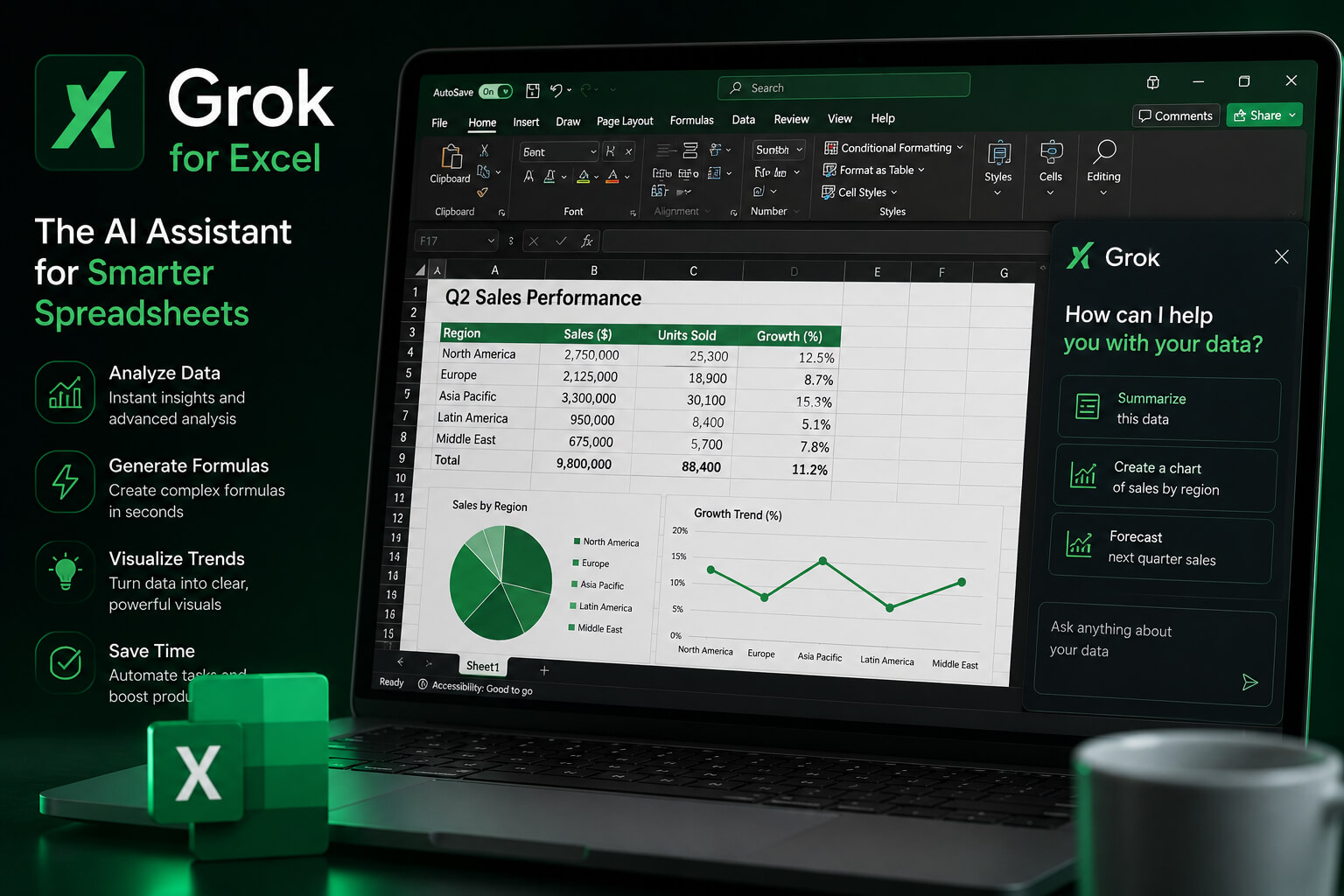
Grok is no longer sitting outside the office workflow, waiting for users to copy data into a chatbot window. xAI has brought Grok into Microsoft Excel through a Microsoft 365 add-in, placing the AI assistant directly inside spreadsheets. The tool is designed to help users analyze data, generate formulas, build charts, clean tables, and work through financial models without leaving Excel.
That sounds small at first. It is not. Excel is where a lot of serious business work still happens. Budgets, forecasts, sales trackers, investor models, payroll sheets, campaign reports, messy CSV files, all of it. Putting Grok inside that environment turns the spreadsheet into another battleground in the AI productivity race.
Grok for Excel Works Inside the Workbook
Grok for Excel appears as an add-in panel inside Microsoft Excel. Users can type plain-language instructions instead of manually building every formula or moving data into a separate AI tool.
According to the Microsoft Marketplace listing, the add-in lets users work with an AI agent directly in Excel. It can search the web, update spreadsheets, create formulas, build charts, clean and transform data, explain calculations, and support financial modeling tasks. The listing also notes that the app can read and make changes to documents and send data over the internet, which is worth noticing for business users handling sensitive files.
In simple terms, someone could ask Grok to summarize a dataset, find what changed, create a chart, or write a complex formula from a normal sentence. No switching tabs. No copying rows into another AI chat. That is the pitch.
Why Grok for Excel Is Not Just Another Add-In
There have been Excel add-ins for years. Most of them feel like side tools. Useful, sometimes, but not exactly central to how people work. Grok for Excel is different because it arrives during a much bigger fight over where AI assistants should live. Microsoft already has Copilot inside Excel, Word, PowerPoint, Outlook, and Teams. Now Grok is entering the same workspace through Microsoft’s own add-in system.
That creates a slightly awkward but very interesting situation. Microsoft owns the platform. xAI wants access to the user inside that platform. The user, meanwhile, probably just wants the spreadsheet to stop being painful.
Grok is also being pushed beyond Excel. Microsoft’s marketplace includes a Grok for Microsoft 365 add-in that works across Excel, Word, and PowerPoint, allowing users to build spreadsheets, draft documents, and create presentations through a sidebar agent. So this is not only about one spreadsheet feature. It is about Grok trying to become part of daily work inside Microsoft’s AI ecosystem.
What Users Can Actually Do With Grok for Excel
The most practical use case is formula generation. Many Excel users know what they want but not the exact formula syntax. Grok can turn a plain-English request into a working formula, which could save time for people handling reports, financial models, or operational trackers. It can also help with charts and graphs. Instead of manually choosing chart types, selecting ranges, and adjusting details, users can ask Grok to create a visual based on the data in the workbook.
Forecasting is another big one. Times of AI reported that Grok for Excel can help users run forecasts, test downside cases, and work through spreadsheet scenarios without rebuilding the model by hand.
For finance teams, analysts, marketers, startup founders, and operations staff, that could be useful. Very useful, actually. But only if the output is checked. Because Excel mistakes are not harmless. A wrong sentence in a draft is embarrassing. A wrong number in a financial model can become a real business problem.
The Free Add-In Question Comes With a Catch
Grok for Excel is being described as free to add from the Microsoft Marketplace. That does not automatically mean every user gets unlimited access to every feature. The Microsoft listing for Grok by SpaceXAI for Excel says the add-in is currently available to SuperGrok, Heavy, Business, and Enterprise plans, with usage limits applying. A separate Grok for Microsoft 365 listing says availability applies to X and SuperGrok paid users.
So the clearer way to say it is this: the add-in may be free to install, but access and usage can still depend on the user’s plan. That distinction matters, especially for businesses comparing Grok against Microsoft Copilot or other AI tools already bundled into their workflow.
Grok Moves Deeper Into Everyday Work Software
xAI recently introduced Grok 4.5, positioning it as a stronger model for coding, finance, and agentic work. The company also says Grok Build can handle complex Excel models involving web research and multi-sheet formula use. That explains why Excel matters here. Spreadsheets are not glamorous, but they are sticky. People use them every day. Companies depend on them. A tool that helps inside Excel does not need to convince users to change their whole workflow.
It just needs to make the sheet easier to use. This is where the AI race is getting less flashy and more practical. Less “look at this benchmark.” More “can this thing help me finish the report before lunch?”
Microsoft Copilot Now Has More Company Inside Office
Microsoft Copilot is still the obvious built-in rival. It has the advantage of Microsoft’s own ecosystem, deeper product integration, and enterprise relationships. Grok, however, now has a route into the same apps. That gives users a chance to compare AI assistants in the place where the work actually happens.
Ask Copilot to analyze the sheet. Ask Grok the same thing. Check the formulas. Review the chart. See which answer is clearer, faster, or easier to trust. That kind of comparison is more powerful than marketing claims. Spreadsheet users are practical people. If a tool saves time and does not break the file, they notice.
What This Means for AI Productivity Tools
Grok for Excel shows how AI companies are moving from standalone chatbots into the software people already use for everyday work. The winner may not be the assistant with the loudest launch. It may be the one that appears at the exact moment someone needs help. Inside Excel, that moment happens all the time.
A messy table. A broken formula. A forecast that needs updating. A chart that should have been finished yesterday. Grok wants to sit right there. For xAI, this is a smart move. For Microsoft, it is another reminder that Office is no longer just a productivity suite. It is becoming prime real estate for competing AI agents. And for Excel users, the main rule stays simple: let the AI help, but check the numbers before anyone makes a decision.
Sources:
