


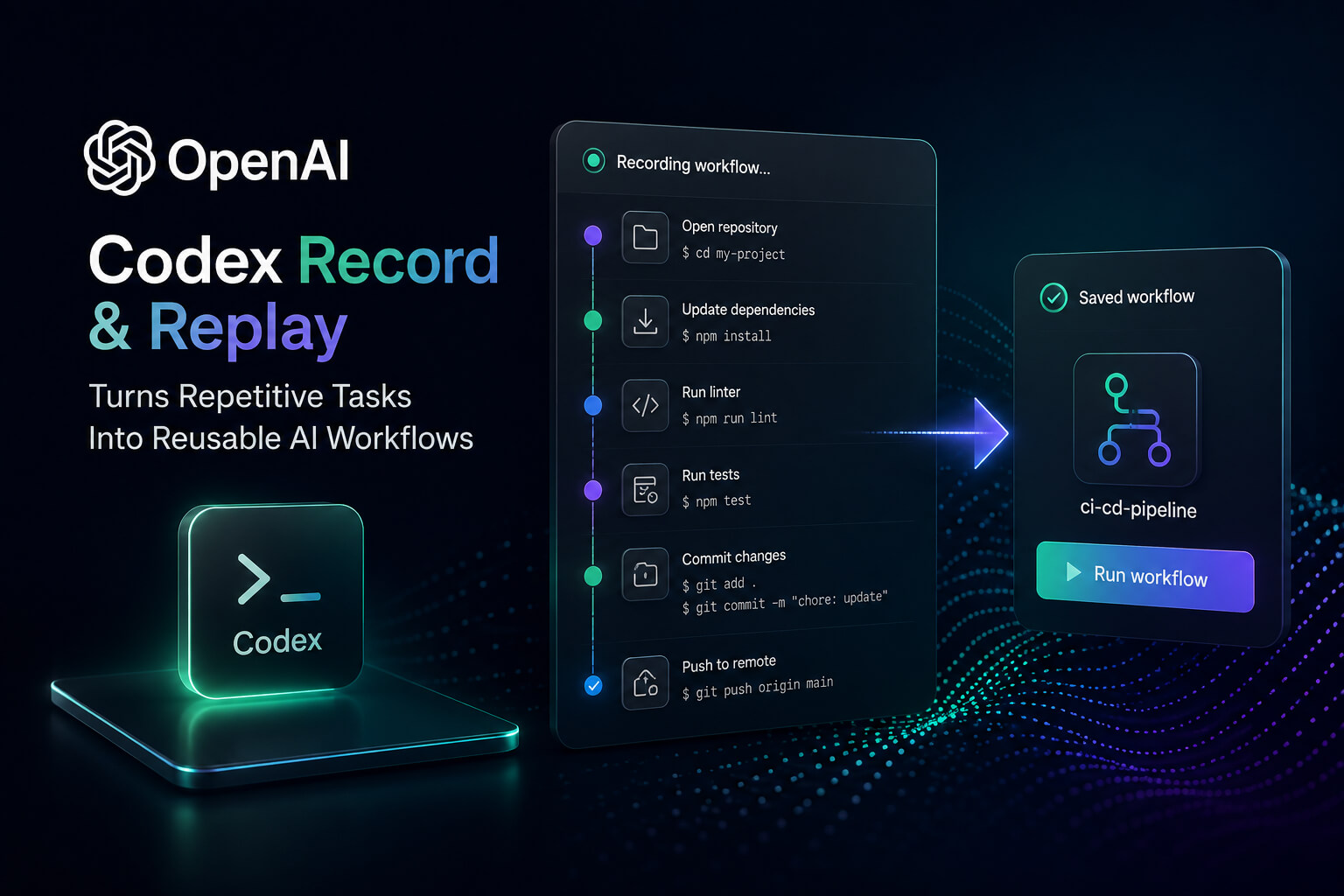
OpenAI announced Codex Record & Replay, a new tool that makes it easy to automate workflows for people who repeatedly perform the same digital tasks. Rather than writing long prompts or building scripts, users can show Codex a task once and then reuse that workflow later as an AI-powered skill.
Codex is a feature for people who do routine computer-based processes like submitting expense reports, booking resources, creating tickets, downloading recurring files or publishing content. Codex can learn the workflow by recording user actions on a Mac and turn it into a structured, reusable skill.
OpenAI Codex Record & Replay What Is It
OpenAI Codex Record & Replay is a workflow automation feature that allows users to demonstrate a task directly on their Mac. Codex observes the process, analyzes the actions, and creates a skill that can be used again in future sessions.
The idea is simple: some tasks are easier to show than to explain. Users can simply perform the workflow once with Codex recording it instead of having to describe every click, field and setting in a prompt. Codex generates an editable skill with the steps, required inputs and completion criteria at the end of the recording.
This could make automation more accessible to non-technical users, especially those who do not want to write code or create intricate workflow instructions by hand.
How Codex Record & Replay Works
The process begins inside the Codex app. Users choose the option to record a skill, give Codex any useful context, and approve recording permissions when ready. Once recording starts, they complete the workflow as they normally would.
Codex watches the relevant window activity and captures the steps needed to understand the task. When the workflow is finished, the user stops the recording. Codex then reviews the captured process and drafts a reusable skill.
That skill can include:
- When the workflow should be used
- What inputs are needed
- Which steps Codex should follow
- How Codex can verify the task is complete
- Any user preferences or recurring decisions
Users can also refine the generated skill after recording, especially if the workflow includes hidden preferences, naming rules, default settings, or decision points that were not obvious from the recording alone.
Replaying a Workflow With Codex
Once a skill is created, users can ask Codex to replay it. For example, if a user records how they download a weekly report, they can ask Codex to use that skill with a new date range or file name.
Codex can then run the saved workflow with the tools it has available, like Computer Use, browser actions, connected plugins, or other supported integrations. That way, the user doesn’t have to repeat the same manual steps over and over again.
This is especially useful for workflows that are mostly the same, but require small changes each time (uploading a new file, choosing a different reporting period, entering updated form information, etc.).
Why This Matters for AI Workflow Automation
OpenAI Codex Record & Replay demonstrates a new trend in AI productivity tools: AI agents not only follow written instructions but are also learning from user actions and turning demonstrations into repeatable tasks.
For many users, writing an accurate prompt can be difficult. A workflow might involve several apps, multiple clicks, specific field values, or small preferences that are hard to explain. Demonstration-based automation removes some of that friction.
This could be useful for people doing repetitive admin, reporting, content publishing, project management and operations work. It also gives teams a faster way to build personal workflow automations, without starting from scratch.
Best Practices for Recording a Skill
For better results with Codex Record & Replay, keep your recordings concise and exhaustive. Make sure the workflow is stable, clear, and repeatable. Don’t record sensitive information.
Before recording a task, users should know exactly what task they want Codex to learn. During the recording, users should do the workflow the same way they want it done in the future. After recording, users should review the generated skill and refine any steps that need more context.
It’s also better to create separate skills for separate workflows. A short, focused recording is easier for Codex to understand than a long session that includes unrelated actions.
Availability and Requirements
Codex Record & Replay is currently available on macOS. Users must also have Computer Use available and enabled. Initial availability excludes the European Economic Area, the United Kingdom, and Switzerland.
Because the feature depends on recording and operating computer workflows, users may need to grant screen recording and related permissions before Codex can observe and replay actions.
The Bigger Picture
OpenAI Codex Record & Replay could help make AI automation more accessible to the average user. OpenAI is lowering the barrier to teaching Codex by demonstration which removes the need for complex prompts, custom scripts or technical workflow builders.
This feature provides a quicker way for users who do the same digital tasks every week or every day to turn their routine work into reusable AI workflows. And it demonstrates how AI agents are moving beyond chat-based help and into more hands-on productivity automation.
As Codex matures, Record & Replay may become central to the way that individuals and teams construct bespoke AI workflows for work, development and operations.
