


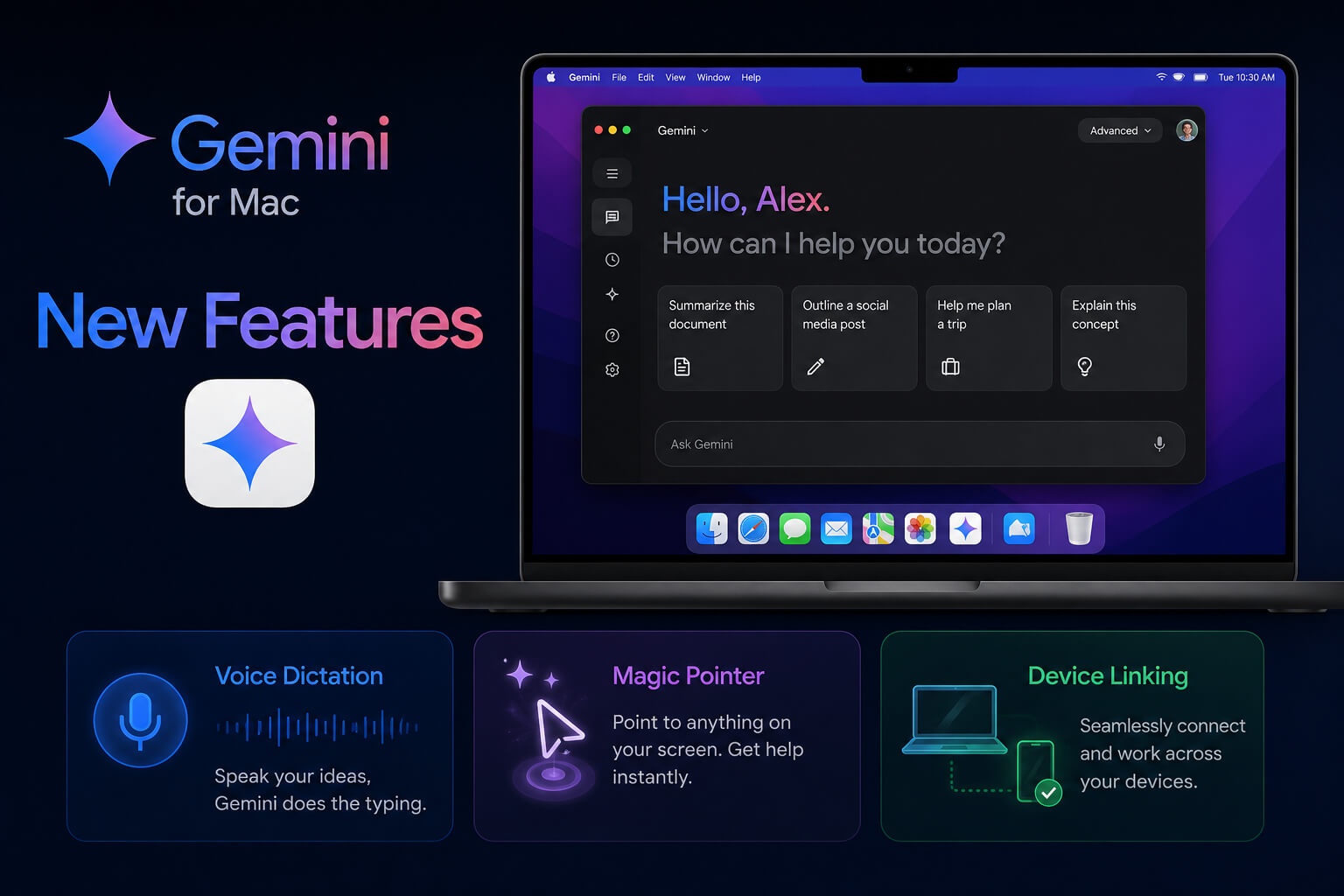
Google appears to be preparing a major upgrade for Gemini on macOS, with new features that could make the AI assistant more useful across everyday desktop workflows. The latest reported tests include system-wide voice dictation, cursor-aware assistance through a feature called Magic Pointer, and device linking that may help users continue their work across multiple screens.
These updates suggest Google wants Gemini to become more than a chatbot inside a separate window. Instead, the company seems to be moving toward a desktop AI assistant that can understand what users are doing, respond to voice commands, and provide contextual help inside different apps.
Google Is Expanding Gemini on Mac
The Gemini app for macOS already gives users quick access to Google’s AI assistant directly from the desktop. Instead of opening a browser tab, Mac users can call up Gemini with a keyboard shortcut, share a window for context, and ask for help while working on documents, code, data, creative projects, or research.
Now, Google is reportedly testing additional tools that could make Gemini feel more integrated into the Mac experience. These experimental Gemini for Mac new features point toward a future where AI assistants can listen, see what users are referring to, and move with them across devices.
Speak to Window: System-Wide Voice Dictation
One of the most interesting features reportedly being tested is called “Speak to Window.” This feature would allow users to dictate text into different apps by speaking directly to Gemini.
Instead of typing a prompt into Gemini and copying the result elsewhere, users may be able to hold a key, speak naturally, and let Gemini create text in the active window. This could be useful for drafting emails, writing notes, creating documents, replying to messages, or brainstorming ideas without switching between apps.
The feature could also make Gemini more practical for hands-free productivity. For example, a user could open an email draft, speak a rough idea, and have Gemini turn it into a polished response. This would make the assistant feel less like a search box and more like a real-time writing partner.
Voice-first AI is becoming an important part of the desktop experience. If Google brings this feature to the public version of Gemini for Mac, it could help users move faster while reducing the need to type every command manually.
Magic Pointer: Cursor Tracking for Better Context
Another reported feature is Magic Pointer, which could allow Gemini to understand what the user is pointing at with the cursor. This would give Gemini more context about what the user means without requiring long explanations.
For example, instead of telling Gemini, “Look at the third paragraph in this document and rewrite it,” a user may be able to point to the section and ask for help. Gemini could then understand the selected area or nearby on-screen content and respond more accurately.
This kind of cursor-aware assistance could be especially useful for design work, spreadsheets, coding, research, and document editing. It may reduce the friction of explaining what is on screen and help Gemini act more naturally inside a user’s workflow.
Magic Pointer also fits into the broader trend of AI becoming more screen-aware. The more context Gemini can understand, the more useful it becomes as a desktop assistant.
Device Linking Could Make Gemini Work Across Screens
Google is also reportedly working on device linking for Gemini desktop. While details are still limited, the feature could allow Gemini to maintain context as users move between devices.
For people who switch between a Mac, phone, tablet, or browser during the day, this could be a major productivity upgrade. A user might begin researching something on a laptop, continue the conversation on a phone, and return to the desktop without losing context.
Device linking could also help Gemini become a more continuous assistant rather than a separate app on each device. If implemented well, it may allow users to keep conversations, tasks, files, and app context connected across their digital workspace.
Why These Gemini for Mac New Features Matter
The reported features show that Google is trying to make Gemini more proactive and more deeply connected to desktop computing. Instead of simply answering questions, Gemini could help users write, edit, summarize, navigate, and complete tasks across apps.
This matters because the AI assistant race is moving quickly. OpenAI, Anthropic, Microsoft, Apple, and Google are all working to make AI more useful inside daily workflows. For Google, improving Gemini on macOS is a way to reach users who rely on Apple hardware but still use Google services such as Gmail, Docs, Drive, Calendar, and Search.
Gemini’s future on Mac may depend on how well Google connects voice, screen context, files, and cross-device support. If these features roll out successfully, Gemini could become a more serious competitor in the desktop AI assistant market.
Gemini Spark and Voice Features Are Also Coming
Google has already announced that Gemini Spark will come to the Gemini desktop app for macOS. Spark is designed as a more agentic AI assistant that can help manage tasks, work with local files, and automate workflows under the user’s direction.
Google has also said new voice experiences are planned for the macOS app. These features are expected to help Gemini turn spoken thoughts into clearer drafts using screen context. That means users may eventually be able to speak naturally while Gemini organizes the message, formats the text, and places it where needed.
This aligns closely with the reported “Speak to Window” testing and suggests Google is serious about making voice a central part of Gemini’s desktop experience.
When Will the New Gemini for Mac Features Launch?
Google has not officially confirmed a public release date for Speak to Window, Magic Pointer, or device linking. Since these features are reportedly still in testing, they may change before launch or roll out gradually to selected users.
However, Google’s broader roadmap makes one thing clear: Gemini for Mac is becoming a bigger part of the company’s AI strategy. With desktop access, screen sharing, voice tools, and future agentic features, Gemini is being shaped into a more capable assistant for productivity and daily work.
Final Thoughts
The latest Gemini for Mac new features show where desktop AI is heading. Voice dictation could make writing faster. Magic Pointer could make AI assistance more contextual. Device linking could help Gemini follow users across screens.
Together, these features point to a future where Gemini is not just an app users open, but an assistant that works alongside them throughout the day. If Google can make these tools reliable, private, and easy to use, Gemini for Mac could become one of the most important AI productivity tools for macOS users.
